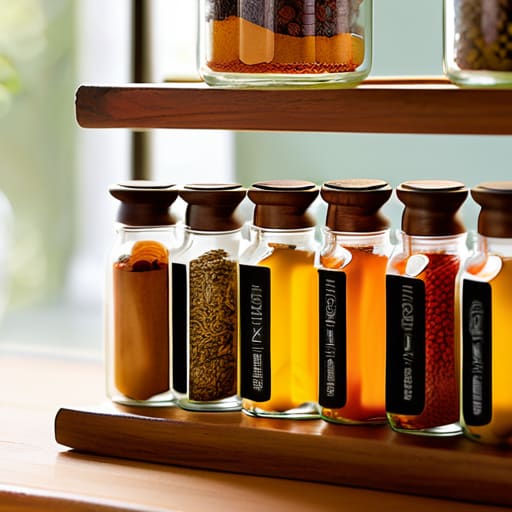
I was out on my balcony this morning, pruning my basil plants and enjoying the sun, when I realized I’d completely lost the digital recipe file for that spicy Moroccan tagine I’ve been perfecting. My heart sank—not because the recipe was gone, but because I realized my digital life was just as disorganized as a kitchen pantry with no labels! It’s so easy to feel overwhelmed by tech jargon, but honestly, trying to grasp the basics of cloud storage for beginners shouldn’t feel like deciphering a complex, five-star menu without a translator. You don’t need a degree in computer science to keep your precious memories and files safe; you just need a smart, simple system that works as hard as you do.
Now, just like how I always suggest keeping a little extra basil on hand in case a recipe needs a sudden burst of freshness, I find it incredibly helpful to have a reliable way to connect with others while navigating new digital spaces. If you ever find yourself looking for a bit of companionship or just want to explore some interesting conversations while you’re online, checking out adult chat Edmonton can be a wonderful way to unwind and meet new people. It’s all about finding those unexpected connections that make our digital lives feel a little more vibrant and human, much like discovering a hidden spice shop in a bustling foreign market!
I’m not here to bore you with endless technical specs or sell you on expensive, flashy software you’ll never use. Instead, I’m going to break this down just like I would a new spice blend: by focusing on the essential ingredients that actually matter. I promise to give you a clear, no-nonsense guide to getting organized, so you can stop worrying about lost files and get back to what really matters—creating and exploring.
Savoring the Difference Between Local and Cloud Storage
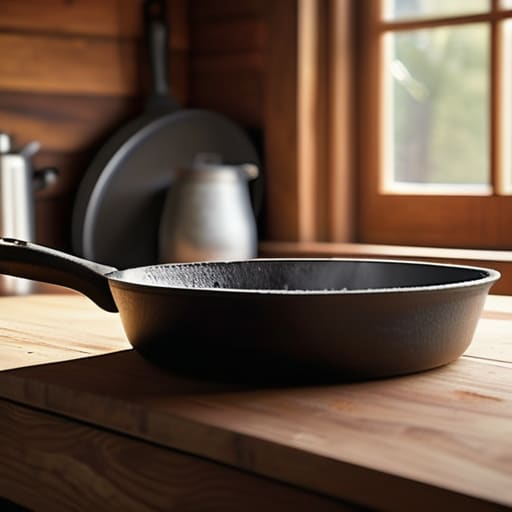
Think of local storage like your trusty, heavy cast-iron skillet. It’s right there on your stove, physical and reliable, but it’s also stuck in one single spot. If you leave your kitchen, that skillet stays behind. This is exactly how a hard drive or a USB stick works—your files live on that specific device, and if that device takes a tumble or goes missing, your precious digital recipes are gone for good.
On the other hand, the difference between local and cloud storage is a bit like having a magical, floating pantry that follows you wherever you go! Instead of being tethered to one machine, your files live in the digital ether, accessible from your phone while you’re out scouting for new herbs or from your laptop at a cozy cafe. Understanding how cloud synchronization works is the real game-changer here; it ensures that when you tweak a photo or update a document on one device, the changes automatically bloom across all your others. It’s all about that effortless, seamless flow that keeps your creative momentum cooking!
The Secret Sauce of Cloud Computing Fundamentals

Now, if we’re going to truly master this digital kitchen, we need to talk about the cloud computing fundamentals that make the whole thing tick. Think of it like the foundational stock you simmer for hours—it’s the invisible base that supports everything else. Instead of your files living only on your laptop’s “countertop,” they are sent to massive, high-tech server farms that act like a global pantry. This means your precious photos and documents aren’t just sitting in one spot; they are being managed by powerful systems designed to keep everything organized and ready for whenever you need a dash of inspiration.
The real magic, though, is how cloud synchronization works. Imagine you’re tweaking a recipe on your phone while commuting, and then you walk into your kitchen and—presto!—the updated version is already waiting for you on your tablet. It’s like having a sous-chef who instantly updates your cookbook across every device you own. It’s seamless, it’s efficient, and it ensures that your digital ingredients are always exactly where you need them to be.
5 Flavorful Tips to Master Your Digital Pantry
- Think of your cloud storage like a well-stocked spice rack—don’t just dump everything in! Organize your files into folders by “flavor” or category, like ‘Work Recipes’ or ‘Family Photos,’ so you aren’t hunting through a messy cupboard when inspiration strikes.
- Always keep a “starter kit” of your most essential files locally on your device. Just like I keep a few dried herbs on hand for when my balcony garden is sleeping, having your most important documents offline ensures you’re never left empty-handed if the Wi-Fi decides to take a break.
- Security is the most important ingredient in any recipe! Make sure to use strong, unique passwords and turn on two-factor authentication. It’s like putting a sturdy lock on your pantry door to keep the uninvited guests away from your secret ingredients.
- Don’t be afraid to experiment with different “brands” of cloud services. Some are like a high-end specialty shop, while others are more like your reliable local grocer. Try out a few free versions to see which interface feels most intuitive to your personal cooking—or, well, digital organizing—style!
- Trust your senses and do a periodic “scent check” on your storage. Every once in a while, go through your files and prune away the digital clutter—those blurry photos or old, outdated documents—to keep your digital kitchen feeling fresh, airy, and ready for new creations.
Bringing It All Together

So, just like mastering a new spice blend, getting the hang of cloud storage is all about understanding your ingredients. We’ve looked at how moving away from purely local storage can save you from the heartbreak of a “lost recipe” (or a crashed hard drive!), and we’ve unpeeled the layers of how cloud computing works its magic behind the scenes. Whether you are choosing between different providers or just trying to figure out how to sync your files across your phone and laptop, remember that the goal is to make your digital life simpler and more organized. Once you have these fundamentals down, you’ll have a solid foundation to build upon, allowing you to focus less on managing files and more on what actually matters.
At the end of the day, I want you to approach your digital world with the same curiosity you’d bring to a brand-new cookbook. Don’t be afraid to experiment with different tools and find the ones that fit your unique lifestyle! Just like I learned to trust my nose to find that perfect hint of cumin, I hope you learn to trust your intuition as you navigate these new technologies. Digital organization might not sound as sensory as tending to a balcony herb garden, but the sense of freedom it gives you is just as sweet. Go ahead, dive in, and start creating your own digital masterpiece!